

Hazel
About Hazel
Hazel is an AI coworker built for consumer brands. It connects to 100+ data sources to continuously analyze business performance, proactively surface insights, and uncover new revenue opportunities - helping teams make smarter, faster decisions without the manual data-pulling.
Setup
- In Fairing, navigate to Integrations >> Hazel and click 'Connect'
- Generate a unique API key and click copy.
- In Hazel, navigate to Marketplace and search for Fairing.
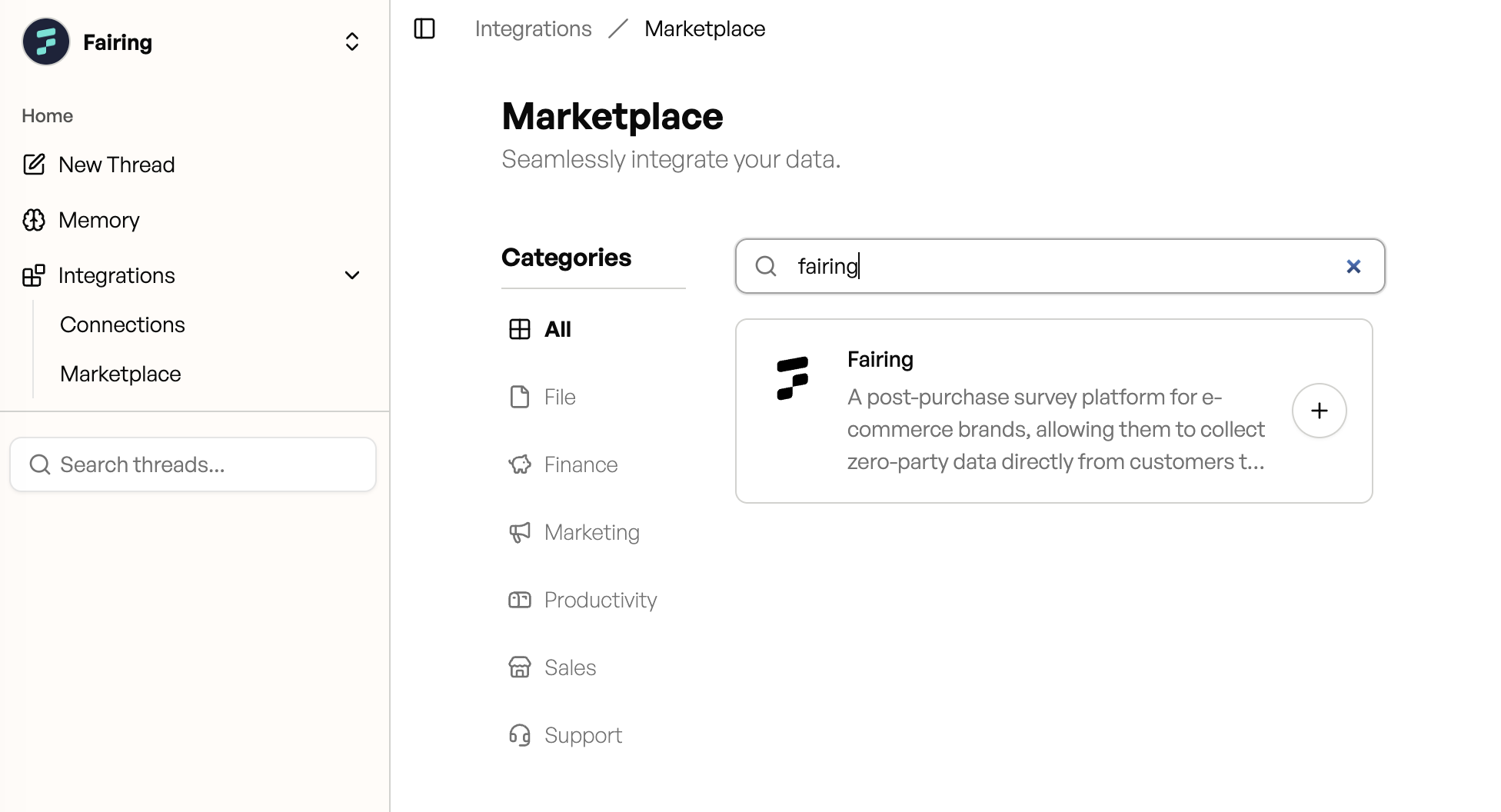
Hazel Marketplace
- Click the + button.
- Paste in the unique API key generated in Fairing in Step 2 and click Connect.
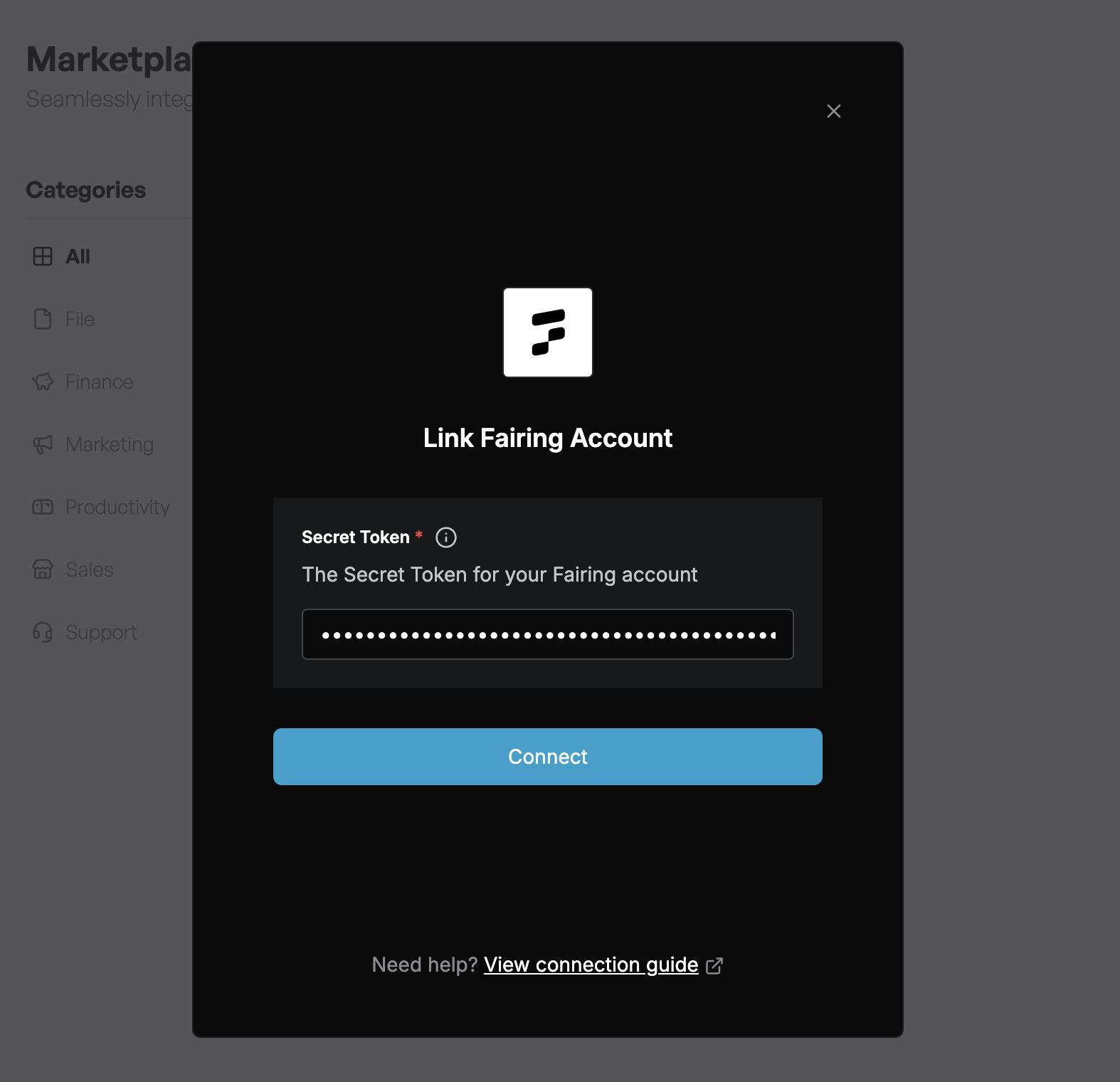
Marketplace >> Fairing >> Connect
- Click Finish - you're all set!
Example Questions
Once your Fairing data is connected, try asking questions like:
- "What are customer saying about how they heard about us?"
- "Compare my Fairing attribution data to ad platform reported data."
- "What percentage of customers say they found us through a friend?"
- "Which acquisition channel(s) do first-time buyers report most often?"
- "Show me our NPS score over time."
Example Output
Question: What are the key takeaways from what customers are saying about how they heard about us from Fairing? Look year to date.
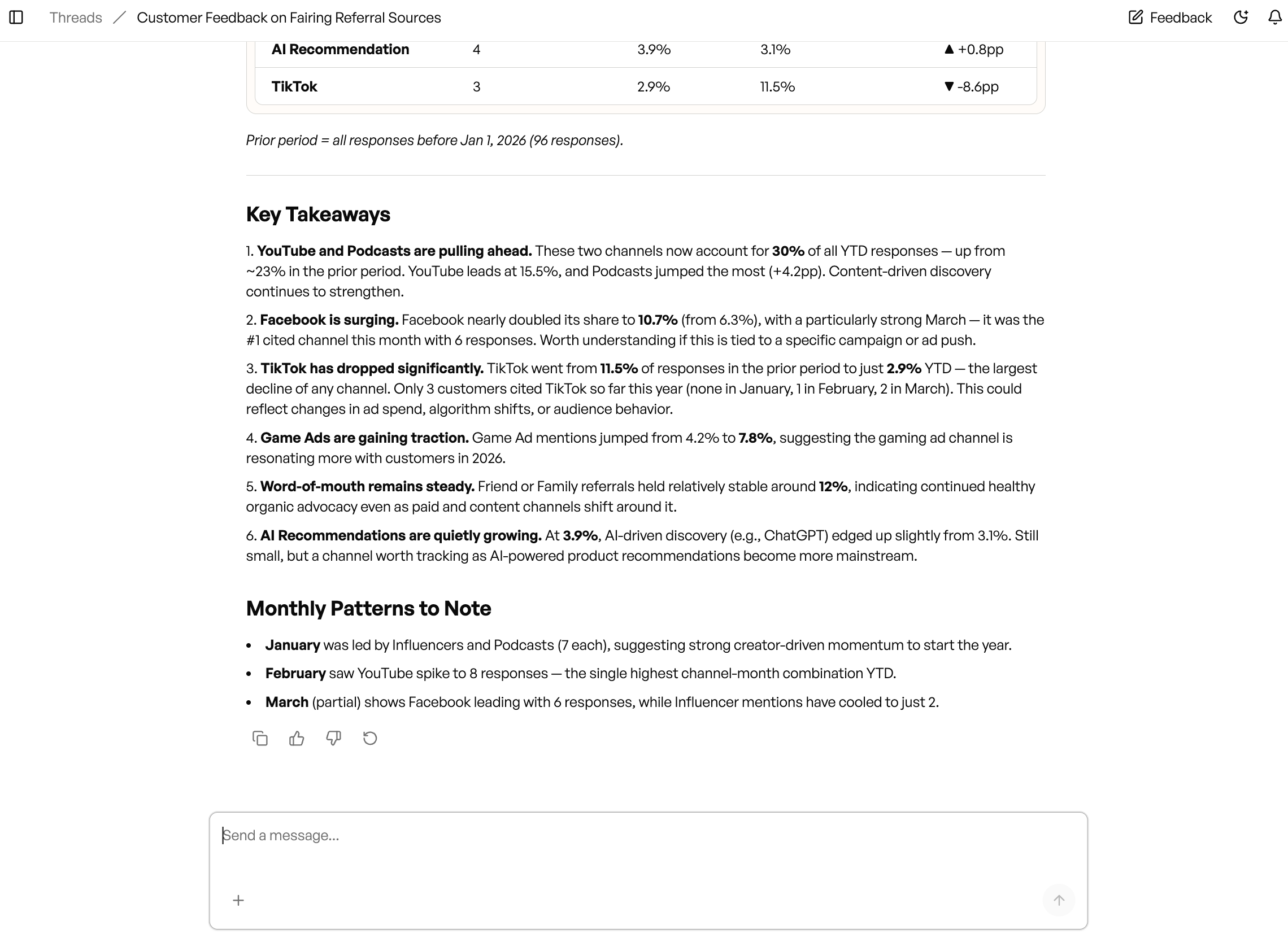
Troubleshooting
If you're getting an error when connecting your API key - reach out to Hazel via your shared Slack channel.
Updated 7 months ago
Did this page help you?