

Podscribe
There are two available integrations with Podscribe:
- Sync your Fairing Responses to Podscribe to include Fairing reported conversions in your Podscribe reports.
- Sync your Podscribe show schedule to Fairing to automatically update your auto suggest Podcast follow up question (i.e. Which Podcast?). [Available on Advanced Attribution plan]
Sync Fairing Responses to Podscribe
Sync your Fairing Responses to Podscribe to enhance Podscribe reporting.
Integration Setup
- In Fairing, navigate to Integrations > Podscribe > Enable to generate a unique API key.
- Email your Podscribe API key to [email protected]. For added security, we recommend sending the key with a Dopper link.
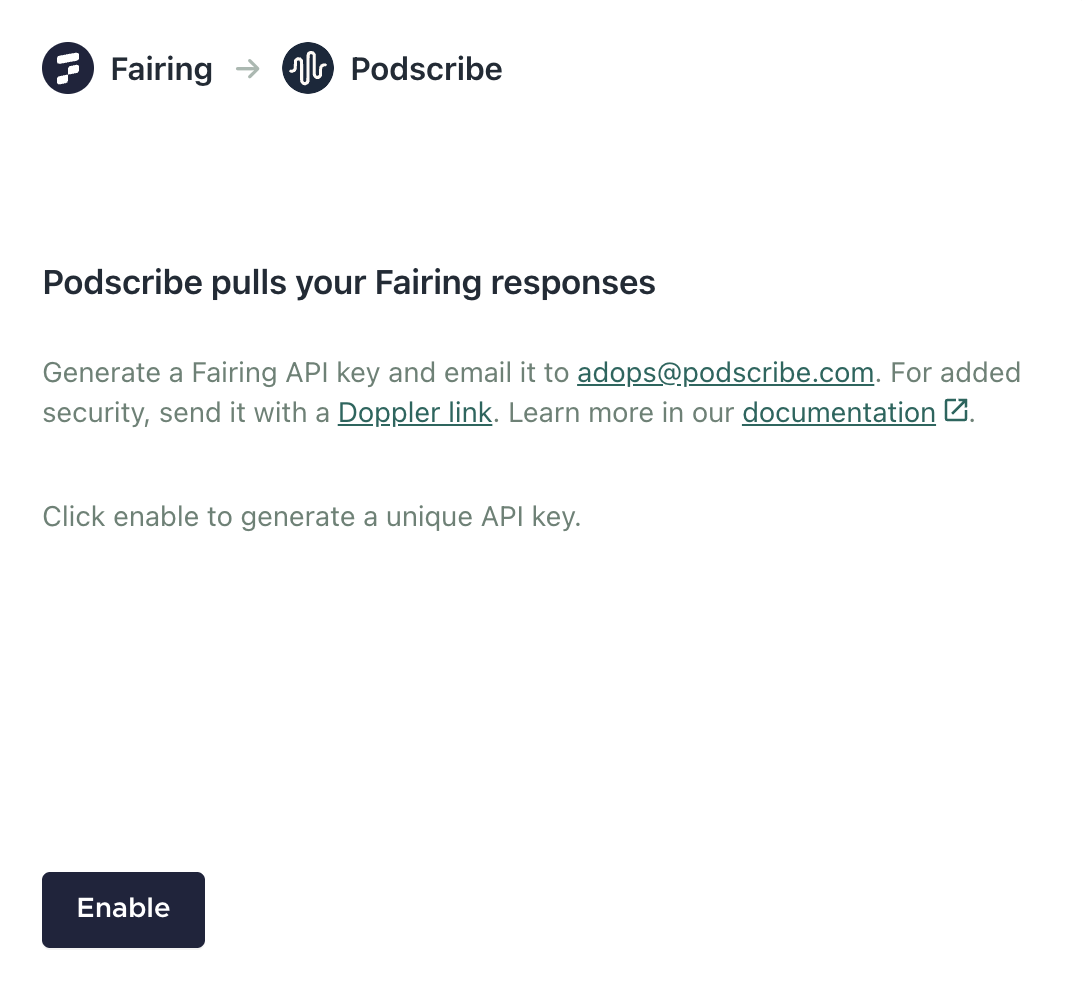
How It Works
- Provide Podscribe with your Fairing API key.
- Survey responses are automatically imported into your dashboard and displayed alongside pixel and promo results for a holistic view of Podcast performance.
- AI matches responses to campaign show names.
- View matched results in your dashboard.
- Download responses or review them in the raw conversions file.
Sync Podscribe Shows to Fairing Response List
Sync your Podscribe show schedule to Fairing to automatically update your Managed Auto Suggest List for Podcast. Attach the Podcast list to your 'Which Podcast?' follow up question and let the integration automatically update your response options.
Available on the Advanced Attribution planThe sync from Podscribe > Fairing is only available on Fairing's Advanced Attribution plan. Learn more about the Advanced Attribution plan here.
Integration Setup
- In Podscribe, generate your Advertiser ID - see instructions from Podscribe here.
- In Podscribe, generate your API key - see instructions from Podscribe here.
- In Fairing, navigate to Integrations > Podscribe, paste the values in their appropriate fields and click Connect.
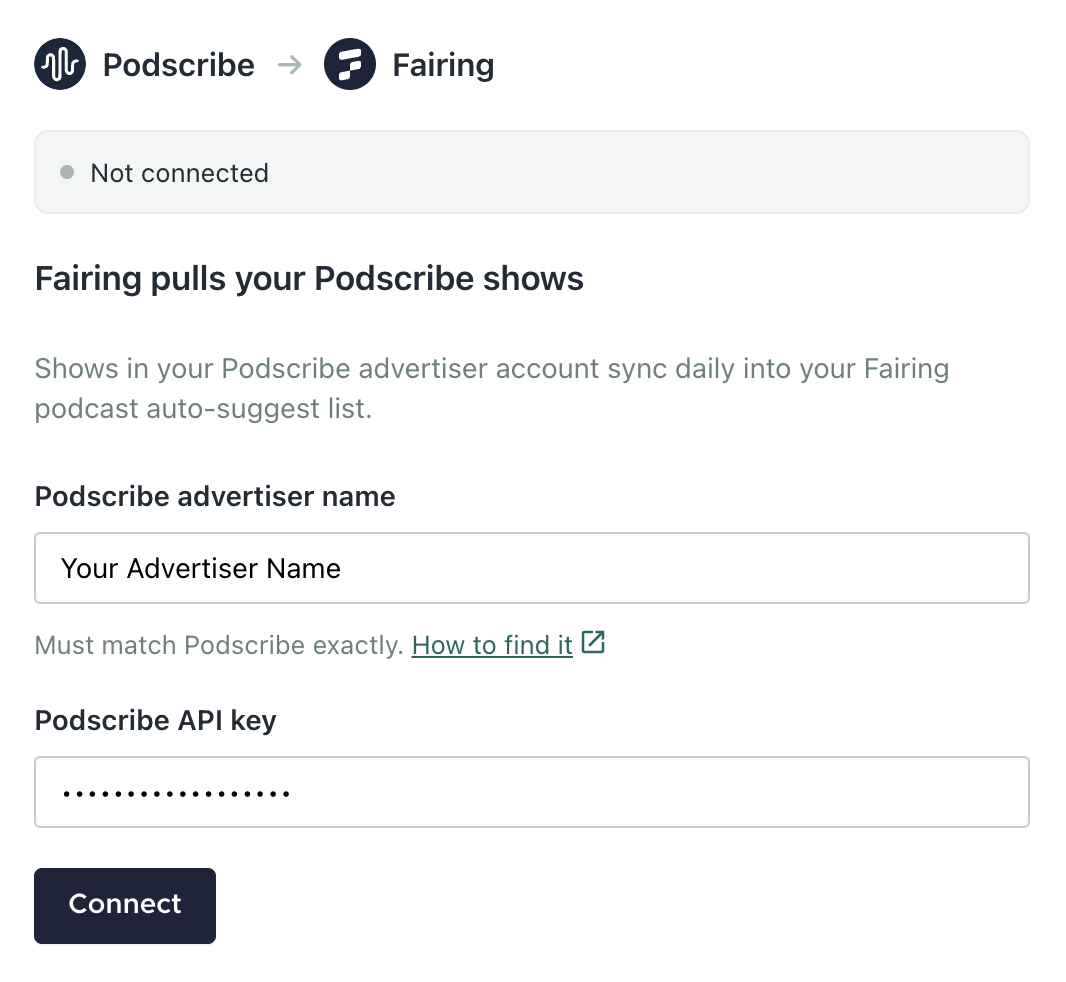
-
After clicking Connect, the last 12 months of Podcast campaigns from Podscribe will sync to your Managed Auto Suggest List for Podcast. The integration will continue to sync daily to add any new Podcast campaigns to your Podcast list.
Note: Make sure your Podcast list is connected to your attribution question.
Updated 13 days ago